Google Lens and Fashion SEO: How to Optimise for Visual Search in 2026
Google Lens handles 20 billion visual searches per month. Fashion is the number one category. Optimising for visual search means adding product schema, descriptive alt text, and high-resolution product images. Most fashion brands have not done any of this.
There is a type of SEO that almost no fashion brand is thinking about yet. While everyone is competing for the same text-based keywords, a significant and growing share of fashion discovery is happening through cameras, not keyboards.
A shopper spots a coat on a stranger. She opens Google Lens and photographs it. Google identifies the coat, finds visually similar products, and serves up shoppable results. That shopper is at the highest possible point of purchase intent. She already wants the thing. She is just looking for where to buy it.
The brands that appear in those results are not there by accident. They have made specific technical decisions that make their product images findable through visual search.
How Google Lens Works for Fashion Shopping
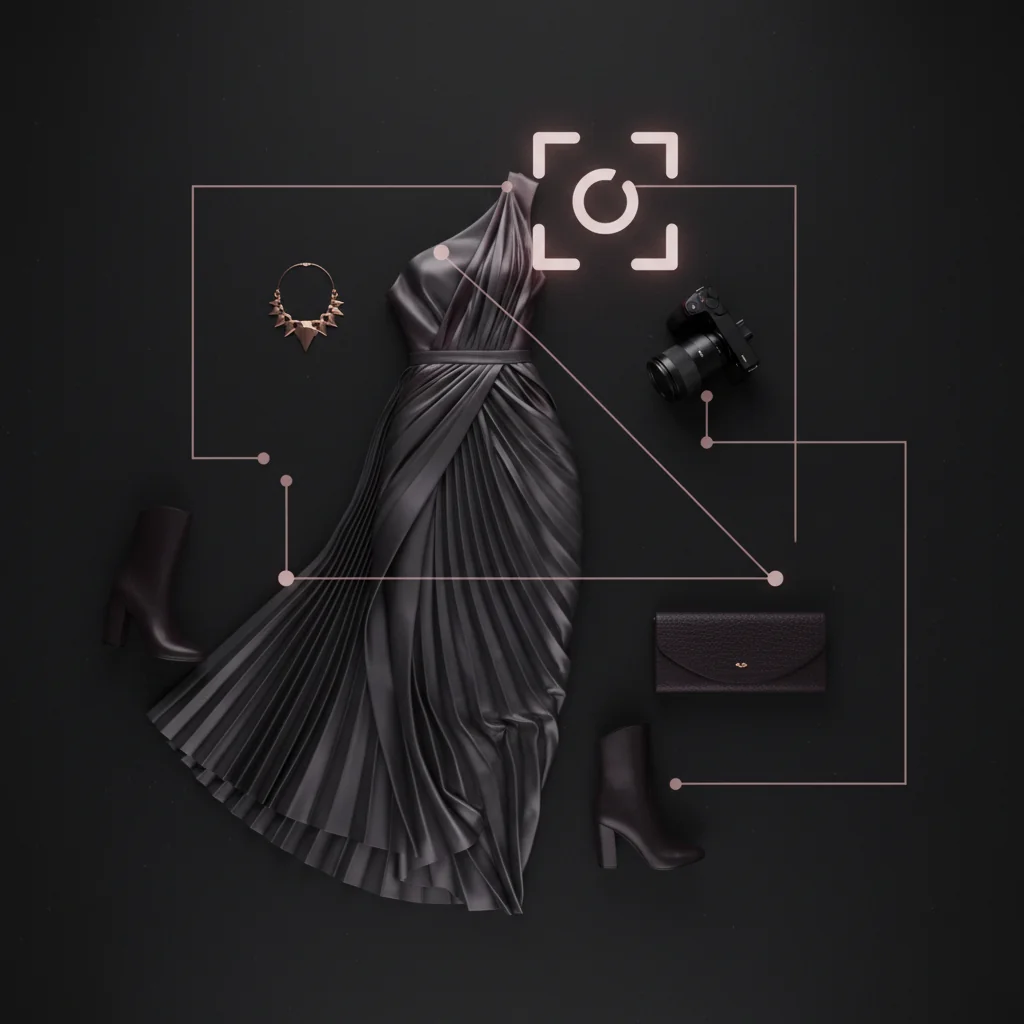
Google Lens, Google’s image recognition tool, uses a combination of computer vision and structured data to identify products in photographs and match them to indexed web pages. When a user photographs something or uploads an image, Lens compares it against Google’s index of product images and returns visually similar results.
Structured data, in this context, means markup you add to your product pages that tells Google exactly what the product is, its price, availability, and other attributes. Google uses this metadata to connect a visual match to a specific purchasable product.
According to Google’s own data, there are now over 20 billion visual searches processed monthly. Research from Think with Google consistently shows that 20% of visual searches have shopping intent. That is four billion monthly searches where someone is actively looking for a product to buy. Fashion, home decor, and beauty are the top three categories.
What we consistently see: fashion brands with basic product pages, no schema, and generic image file names are invisible in visual search. Brands that implement product schema and descriptive image metadata appear in Lens results for their product category within four to eight weeks.
Why Fashion Is the Top Visual Search Category
Text search has a natural limit for fashion. Language is imprecise when it comes to visual attributes. How do you describe the exact shade of a coat? How do you search for a specific type of tuck in a pleated skirt?
Visual search removes that friction. The shopper does not need to know the correct terminology. She can show Google what she is looking for.
This is particularly relevant for DTC fashion brands because visual search favours specificity. Lens is not matching against generic categories. It is matching against specific product images. A brand with high-quality, well-indexed product images can appear in Lens results for a search that a major retailer is not optimised for.
In our experience, smaller DTC brands have a structural advantage in visual search because they have fewer SKUs and can optimise every product image properly. Large retailers with 100,000 SKUs do not have the bandwidth for per-image optimisation.
What Structured Data Does a Fashion Brand Need?
Structured data for fashion SEO primarily means Product schema. Product schema, part of the Schema.org vocabulary, is JSON-LD markup that you add to your product pages. It tells Google the product name, description, price, availability, brand, material, colour, and images.
Google uses this markup to build its Shopping Graph, the underlying database that powers visual search results.
For a DTC fashion brand, the core Product schema fields are:
name: the product name, including material and style detailsdescription: a descriptive paragraph including colour, material, silhouette, and occasionimage: the URL of the product’s primary high-resolution imageoffers: price, currency, and availabilitybrand: your brand namecolor: the specific colour name, not just “blue”material: the fabric or material composition
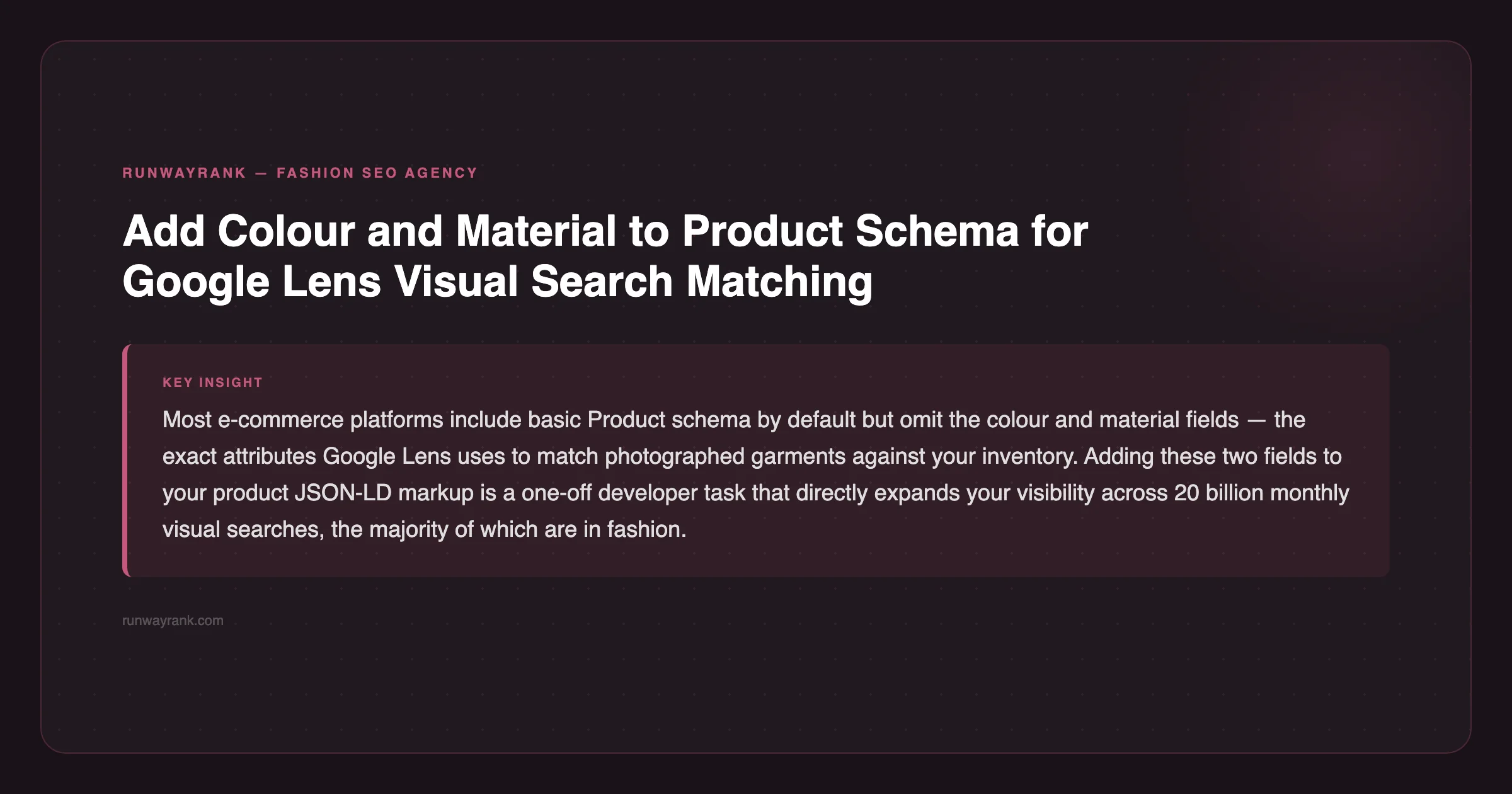
Most e-commerce platforms include basic product schema by default, but they often omit colour, material, and detailed descriptions. Those are the fields that drive visual search matching. Check your current schema using Google’s Rich Results Test: if colour and material are missing, you have a gap to fix.
The 5 Practical Optimisation Steps
Step 1: Audit Your Image File Names
Image file names are one of Google’s first signals for what a product image contains. “IMG_4523.jpg” tells Google nothing. “womens-burnt-orange-linen-wide-leg-trousers.jpg” tells Google the gender, colour, material, and product type.
Rename every product image before uploading to your store. Use lowercase, hyphens between words, and include: colour + material + product type + any notable style detail. This is a one-time investment that compounds.
Step 2: Write Descriptive Alt Text for Every Product Image
Alt text, the text attribute attached to image HTML elements, serves two purposes: accessibility for screen readers and a text signal for search engines. For visual search, it is a direct input into how Google understands what your image shows.
Generic alt text: “Blue dress front view” Descriptive alt text: “Cerulean blue midi slip dress in recycled satin, V-neckline, front view on model”
Every product image, every angle, every detail shot should have unique and descriptive alt text. In our experience, this is the single most neglected image SEO element across DTC fashion brands.
Step 3: Use High-Resolution Images
Google Lens matching quality depends partly on image resolution. Low-resolution images produce weaker matches and rank lower in visual search results. According to Google Search Central’s image SEO best practices, images should be at least 1200px on the longest edge.
For fashion, 2000px or higher is better. Product photography already tends toward high resolution, so this is usually about making sure your store is not compressing images aggressively on upload. Check your theme settings and use a lossless or high-quality compression format.
Step 4: Implement Complete Product Schema
Beyond your platform’s default schema, add colour, material, and category fields to your product markup. This means editing your theme’s product JSON-LD template or using a schema app that gives you manual control over these fields.
Run each updated product page through Google’s Rich Results Test to confirm the new fields are being read correctly. Google typically crawls updated schema within a few days.
Step 5: Submit a Product Sitemap to Google Search Console
A product sitemap is a dedicated XML sitemap listing all your product page URLs with associated image URLs. Google uses this to efficiently crawl and index your product images.
Most e-commerce platforms generate a sitemap automatically at yourstore.com/sitemap.xml. Submit this to Google Search Console if you have not done so already. For stores with frequent product updates, request re-crawling of the sitemap after major catalogue changes.
This directly improves crawl budget allocation, the amount of time Google spends crawling your site per day. Our guide on crawl budget and image indexing covers this in more detail.
How Long Does Visual Search Optimisation Take?
Visual search is not instant. Google needs to crawl your updated images, process the new schema data, and incorporate your products into its Shopping Graph. For a site that has not been optimised before, expect four to twelve weeks before you see consistent Lens visibility.
The priority order for DTC brands starting from scratch:
- Fix image file names (fast, immediate on next crawl)
- Write descriptive alt text for top 50 products (1-2 days of work)
- Add colour and material to product schema (developer task, one-off)
- Submit updated product sitemap (15 minutes)
- Scale descriptive alt text to full catalogue (ongoing)
You do not need to do everything at once. Start with your best-selling products. Those are the ones most likely to appear in visual searches based on visual similarity to what shoppers are photographing.
Does Google Lens Affect My Overall Organic Rankings?
Yes, indirectly. The same optimisations that improve Lens visibility, specifically descriptive image metadata, high-resolution images, and complete product schema, also improve your standard image search rankings and your overall product page SEO.
Google’s algorithms increasingly reward pages that are complete across all content types: text, structured data, and images. A product page with detailed alt text, full schema, and high-quality images signals quality to Google in ways that a page with only text copy does not.
What we consistently see: brands that invest in image SEO as part of a broader fashion SEO programme see gains across image search, Google Shopping, and organic product search simultaneously. The work compounds.
A fashion SEO audit that includes image SEO will tell you exactly where your current gaps are before you invest in fixes.
The Opportunity Right Now
Most of your competitors have not touched their image alt text. Most have not added colour and material to their schema. Most have no idea that Google Lens is sending shopping traffic to brands with better image metadata.
This is a first-mover window. Fashion is the number one visual search category, and the field is not yet crowded with brands who have optimised for it. The brands that move now will establish Lens visibility that becomes harder to displace as more competitors catch up.
If you want visual search built into your fashion SEO strategy guide from the start, that is the place to begin. And if you want it handled as part of an ongoing programme, our fashion SEO that includes visual search covers image optimisation as a standard part of every engagement.
FAQ
How does Google Lens work for fashion shopping?
Google Lens uses computer vision to match photographed items against indexed product images. When a shopper photographs a clothing item, Lens returns visually similar shoppable products. Brands with high-resolution images, descriptive alt text, and complete product schema appear most consistently.
What image SEO practices help fashion brands rank in visual search?
Descriptive image file names (colour + material + product type), detailed alt text for every image, high-resolution files (2000px+), and complete Product schema including colour and material fields. These four practices cover most of the gap between an unoptimised and optimised product page.
Does Google Lens affect my fashion store’s organic rankings?
Yes, indirectly. Image metadata improvements that help with Lens visibility also improve image search and Google Shopping rankings. Google rewards product pages that are complete across text, schema, and image signals. Better image SEO lifts the whole page.

SEO strategist with experience in DTC brand growth, including a premium menswear brand scaled to $250K annual revenue and #1 Google rankings for B2B brands entering new markets. Built Runway Rank because every DTC fashion brand I audited had the same fixable problem: their best collection pages were invisible on Google.